
- September 22, 2026
How to Get More Bookings From Your Existing Online Presence
You may already have a website, Google Business Profile, social media accounts, and customer reviews.
But are they helping customers book appointments?
Getting visitors is only the first step. Your online presence should make it easy for interested pet owners to take the next step.
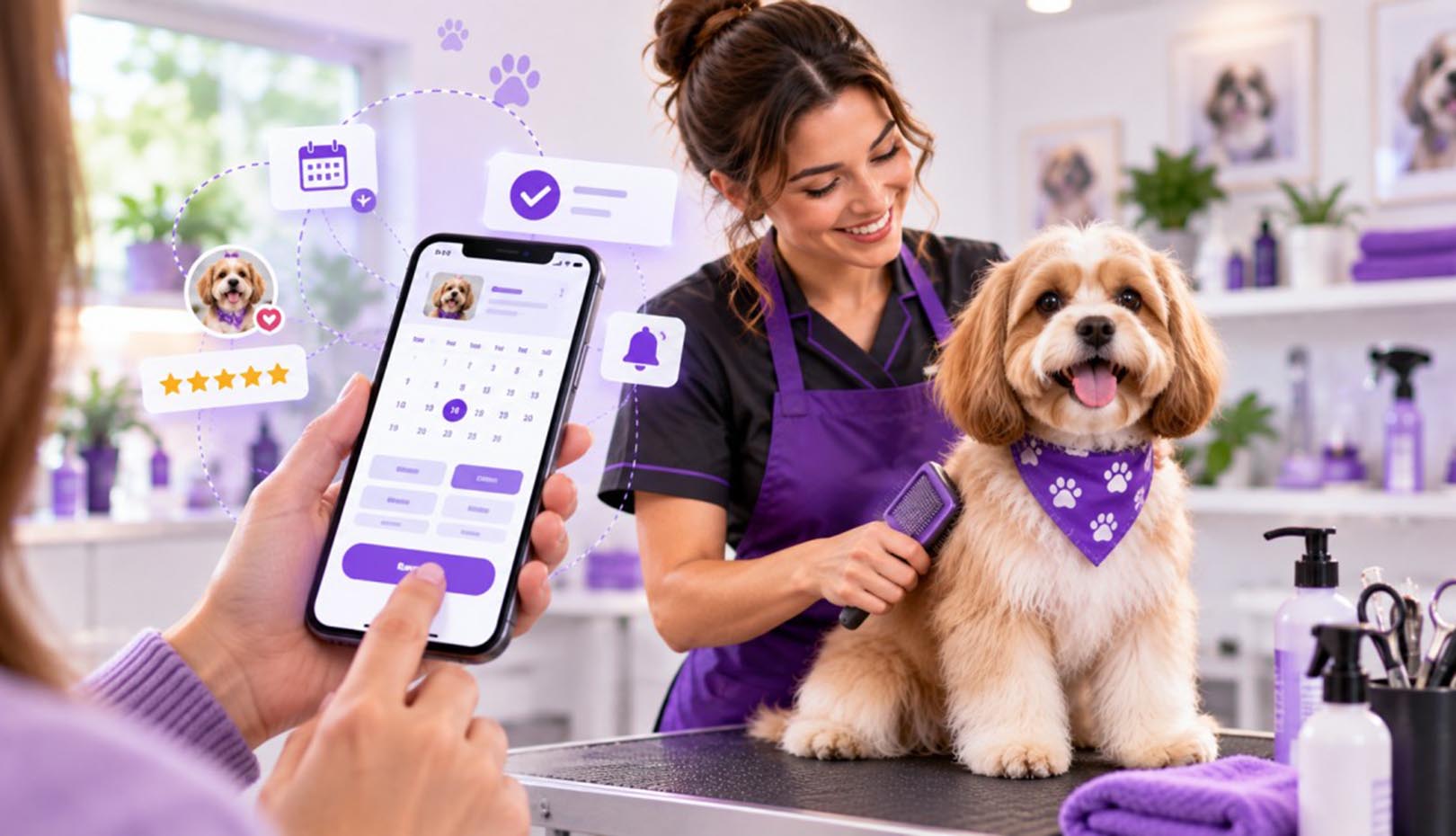
Make Your Booking Button Obvious
Don’t hide your booking option.
Use clear calls to action such as:
Book an Appointment
Schedule Grooming
Book Now
Place the button on important pages and make sure it is easy to tap on mobile.
Explain Your Services Clearly
Customers should understand what they are booking.
Create simple descriptions for services such as:
- Full grooming
- Bath & brush
- Nail trimming
- Puppy grooming
- Breed-specific grooming
Clear information can reduce confusion and make customers more comfortable booking online.
Use Reviews Near Your Booking CTA
A customer may be interested in your service but still wonder:
“Can I trust this groomer?”
Showing genuine customer reviews close to your booking button can provide useful reassurance.
Don’t Forget Existing Customers
After an appointment, stay connected.
A simple follow-up system can include:
Appointment → Thank You → Review Request → Grooming Reminder → Rebooking
This creates an ongoing customer relationship instead of treating every appointment as a one-time transaction.
Make Mobile a Priority
Many customers will discover your business from their phones. Check that your website is easy to read, your buttons are easy to tap, and your booking process doesn’t require unnecessary steps.
GroomerLoop helps grooming businesses turn their online presence into a connected system for attracting customers and managing bookings.